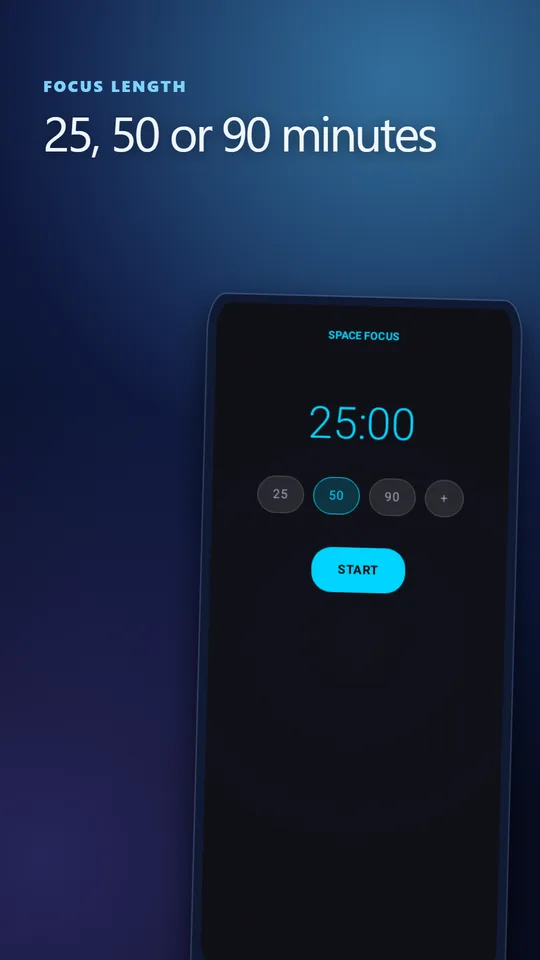
25, 50 or 90 minutes
Classic Pomodoro sprints, 50-minute deep-work blocks, 90-minute stretches, or a custom length. Your last choice is ready next time.
 Space Focus
Space Focus for Android
A calm focus timer for work, study, reading and coding. Pick 25, 50 or 90 minutes, and Hard Mode gives you five seconds to come back if you switch apps — so one task actually gets your full attention.
Start a focus session on Google Play →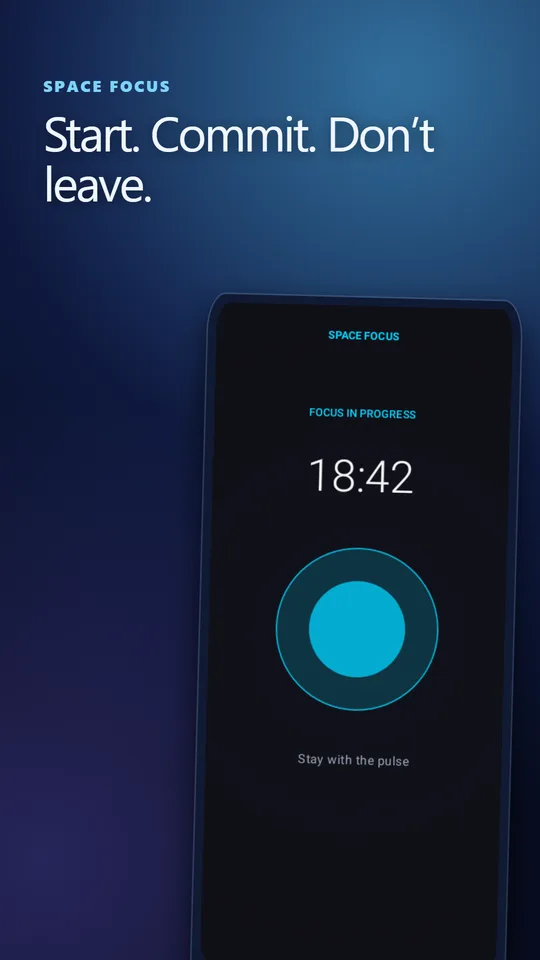
No task lists, characters or rewards. Just a timer you start in one tap, a reason not to leave, and an honest record of how your focus is going.
Classic Pomodoro sprints, 50-minute deep-work blocks, 90-minute stretches, or a custom length. Your last choice is ready next time.
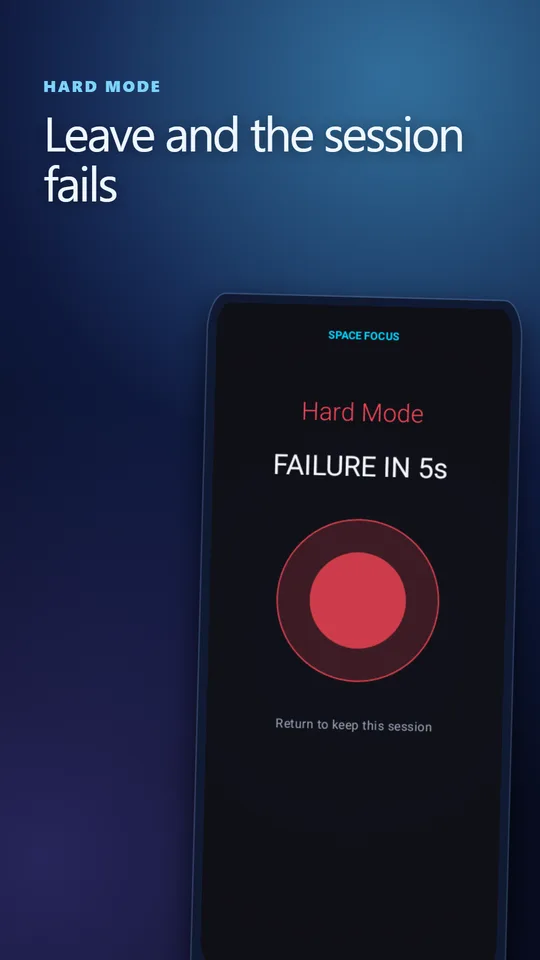
Switch away and a five-second countdown starts. Come back and keep going, or the session fails. The reflexive app switch finally has a cost.
With Do Not Disturb access, Hard Mode mutes notifications for the length of the session and restores them afterwards.
Home-screen widget with 15, 25 or 50 minutes, a Focus 25m Quick Settings tile, and app-icon shortcuts for 25, 50 or custom.
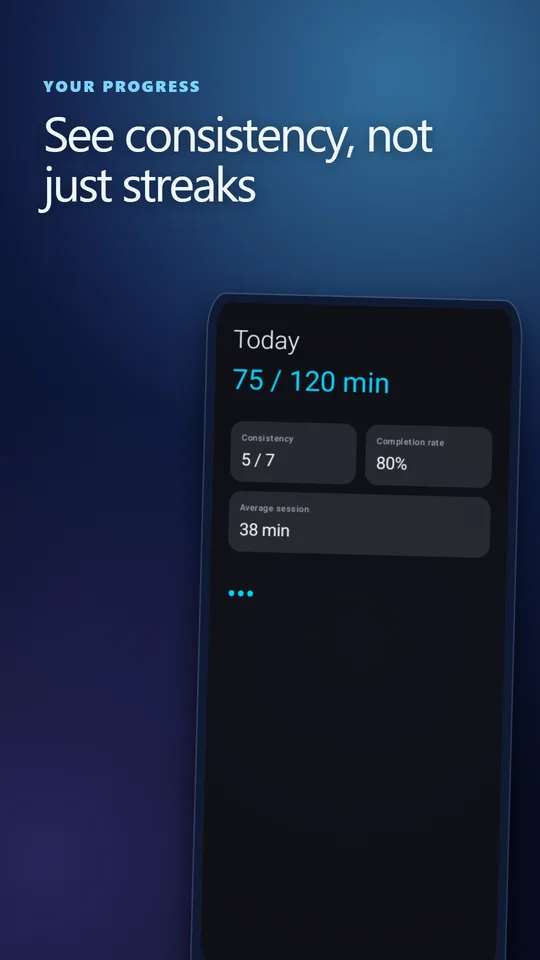
Today’s planned and completed time, weekly consistency, completion rate, average session, and a history of completed and unfinished sessions.
Let the phone lock. Active sessions are restored from their saved deadline, even after Android restarts the app.
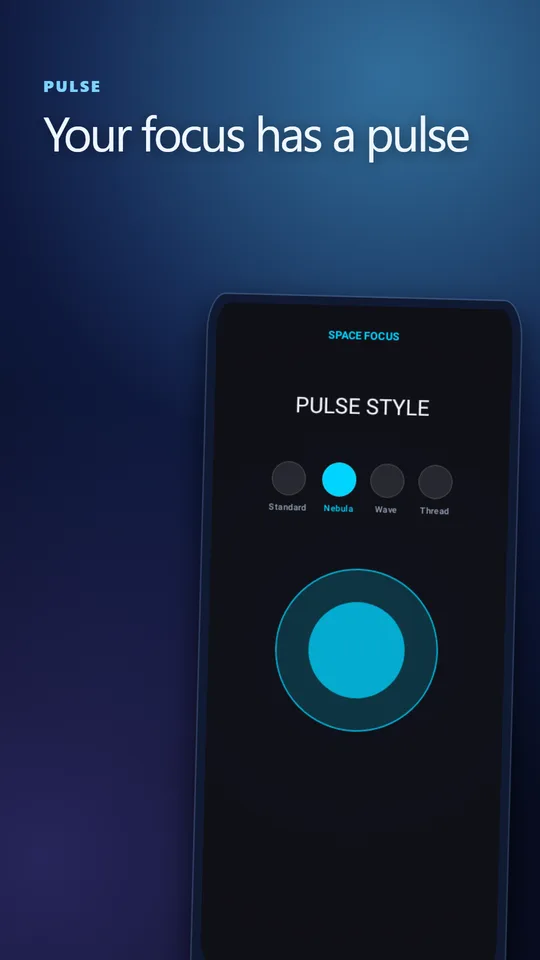
Choose the Standard, Nebula, Wave or Thread Pulse as a calm visual anchor while the timer runs.
| Length | Best for |
|---|---|
| 15–25 min | Tasks you are avoiding, admin, email, low-energy afternoons, classic Pomodoro rounds. |
| 50 min | Studying, reading with notes, most knowledge work. A strong default. |
| 90 min | One demanding task with a long warm-up: writing, coding, design — when you are rested. |
More detail in how long a focus session should be.
25, 50 and 90 minute presets plus a custom duration. Your last choice is remembered. The home-screen widget also offers 15 minutes.
If you switch away from the app during a session, a five-second countdown starts. Return in time and the session continues; stay away and it fails. With Do Not Disturb access, Hard Mode can also silence notifications during the session.
Yes. The screen can lock while you work. Active sessions are restored from their saved deadline, even after Android restarts the app process.
No. Your focus history and statistics stay on your device, and there are no ads.